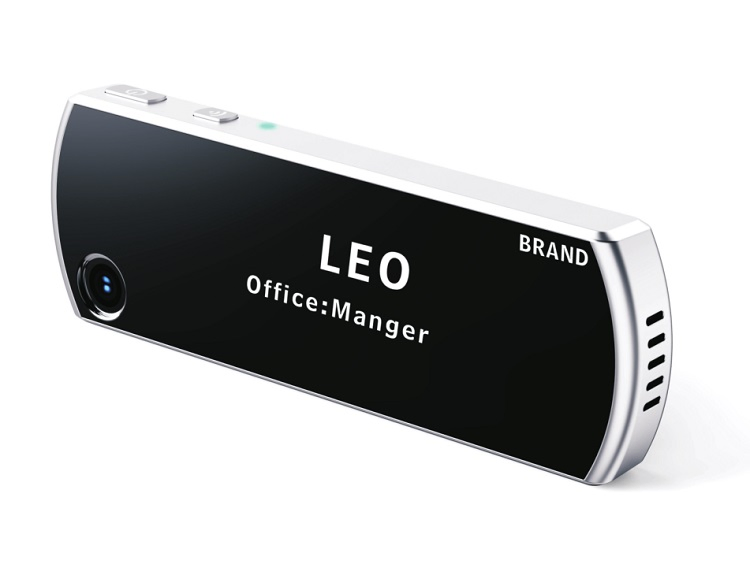
Vuelo Camera
1 / 5
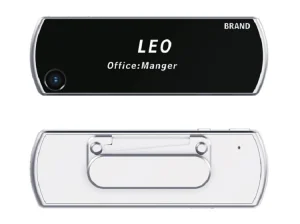
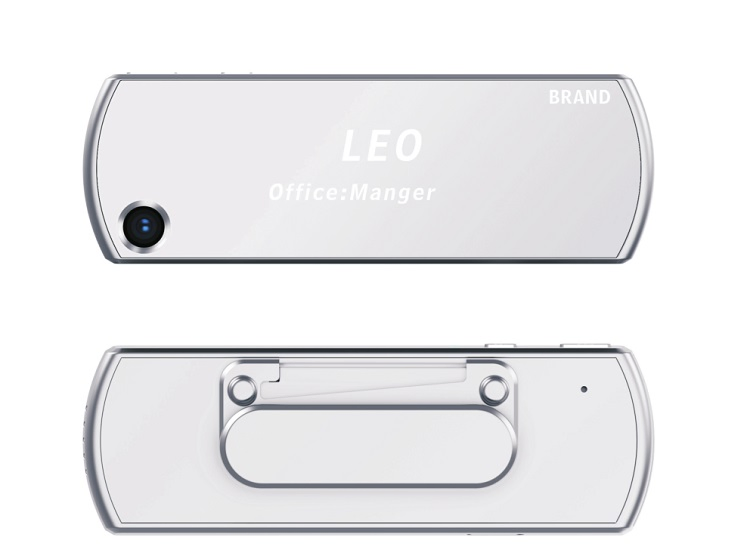
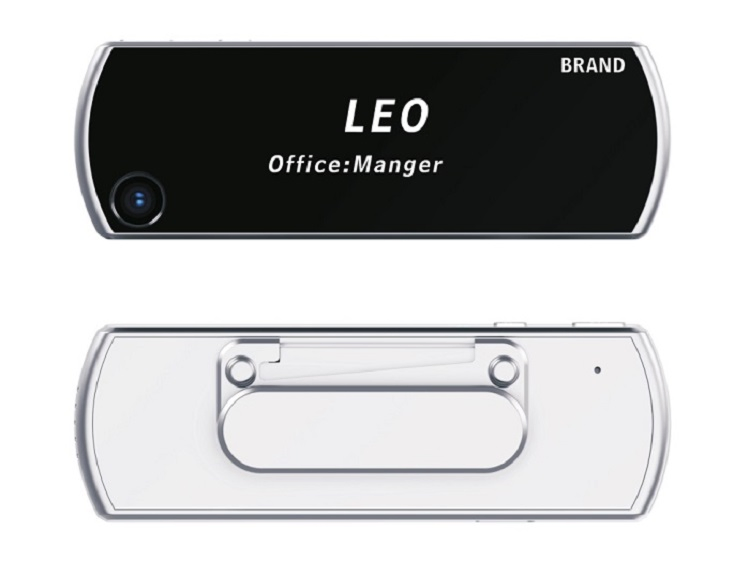
| Model NO. | ZM915 |
| Lens | 120 Degree Wide Angle |
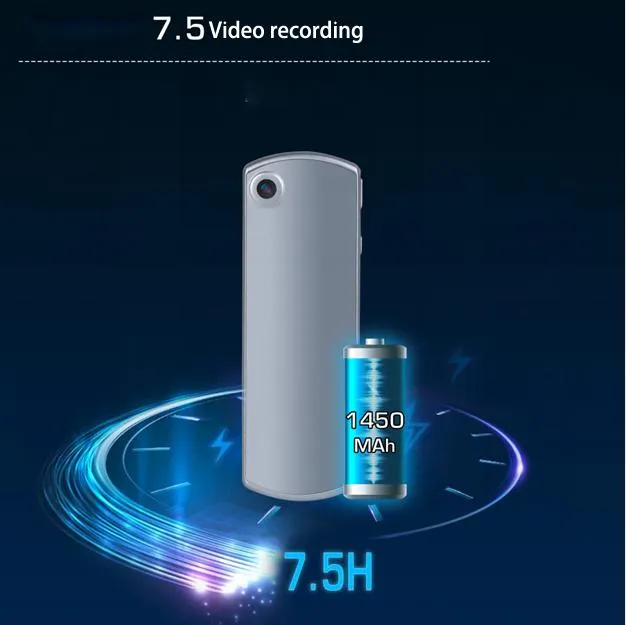
| Battery Capacity | 1450 mAh Battery |
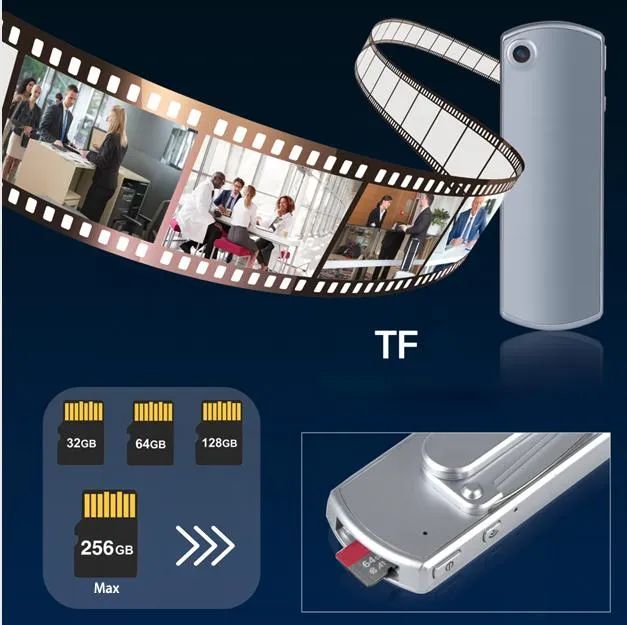
| Storage | 32GB / 64GB / 128GB / 256GB |
| Video Resolution | 1920X1080/30p, 1280X720/30p |
| Video Format | H264/H265 Compression Format |
| Audio Input | High-Quality Microphone |
| Charging Method | Type-C USB Charging |
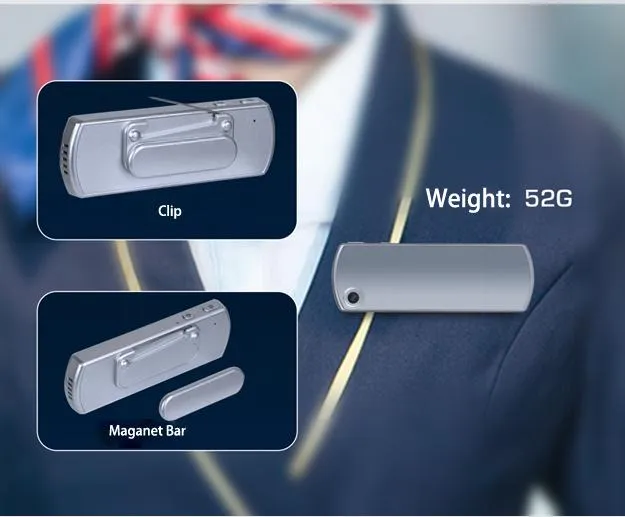
| Dimensions | 81.5*58*23.7mm / 140g |
| Configuration & Video | |
| Main Chipset | Mstar |
| Image Sensor | 2MP sensor |
| Video Bit Rate | High / Medium / Low |
| Watermark | User ID, Time and Date |
| Audio & WiFi | |
| Audio Format | WAV (Loudspeaker Output) |
| WiFi Hotspot | Supported (ssid: XR01-xxxx, pwd: 88888888) |
| Battery Life | |
| 1080P Recording | About 7 hours |
| 720P Recording | About 7.5 hours |
| Charging Time | ≤ 3 Hours |
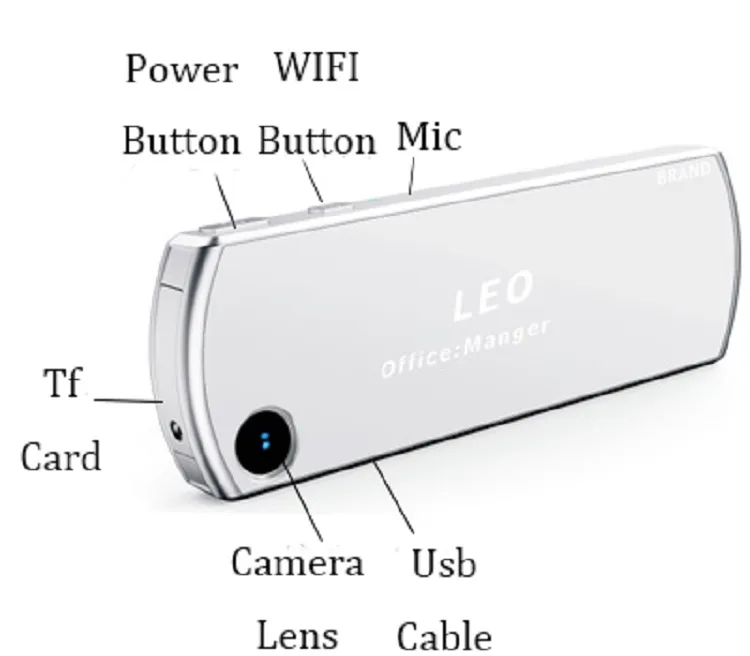
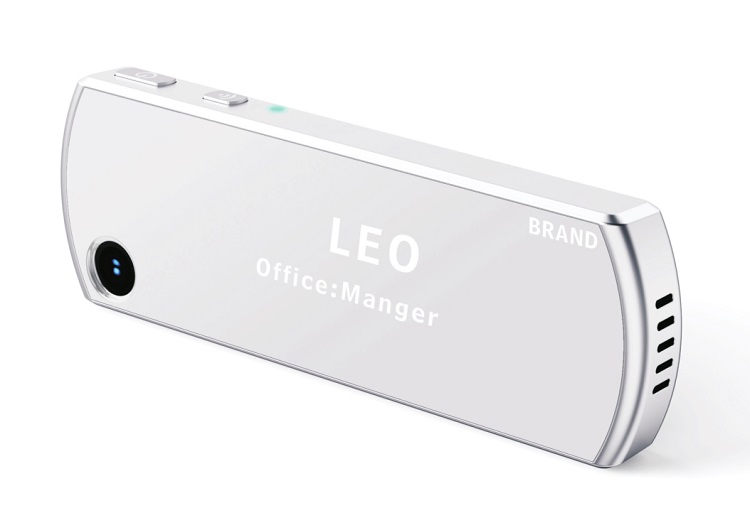
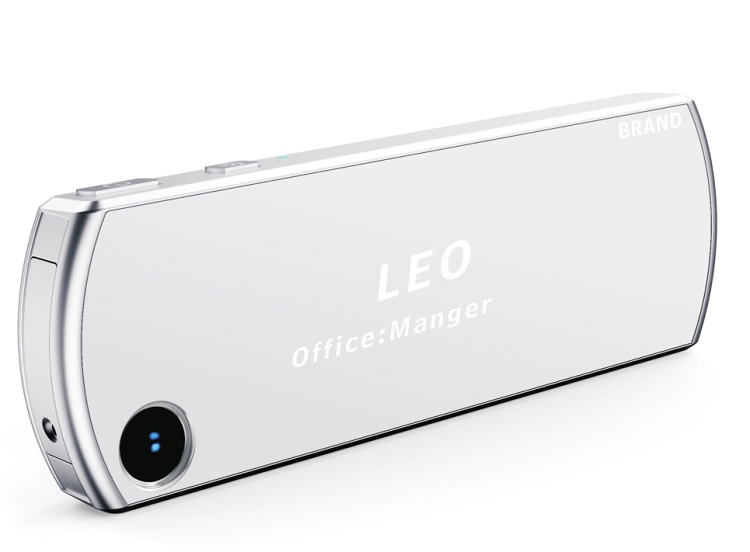
Press and hold the "power button" for 3 seconds to turn on or shut down the machine.
Press the "Power button" to record (blue light flashing). Press again to save (blue light stays on).
Press "WiFi button" to record audio (yellow light flashing). Press again to save.
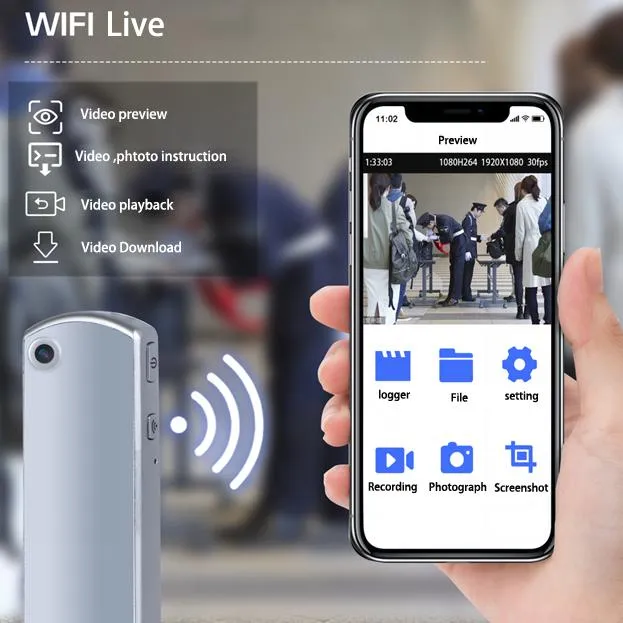
Long press "WiFi button" for 3 seconds to toggle WiFi. Use mobile APP to connect for playback and settings.
Quickly switch between audio and video recording by pressing the alternate functional button during operation.
Use a toothpick in the reset hole if the device stops responding. Hold Power + WiFi for 5s to factory reset.
🔵 Blue: Standby (Steady) / Video Recording (Flickering)
🟡 Yellow: Audio Recording (Flickering)
🟢 Green: WiFi On (Flickering)
🔴 Red: Charging State